
Questions is a web application I developed that allows users to study questions they create themselves or access questions shared by other users. The app provides a flexible platform for organizing, sharing, and studying educational content with advanced tracking and ordering features.
Note: Questions was my graduation project for Harvard University’s CS50’s Web Programming with Python and JavaScript course, developed entirely from concept to implementation.
Key Features
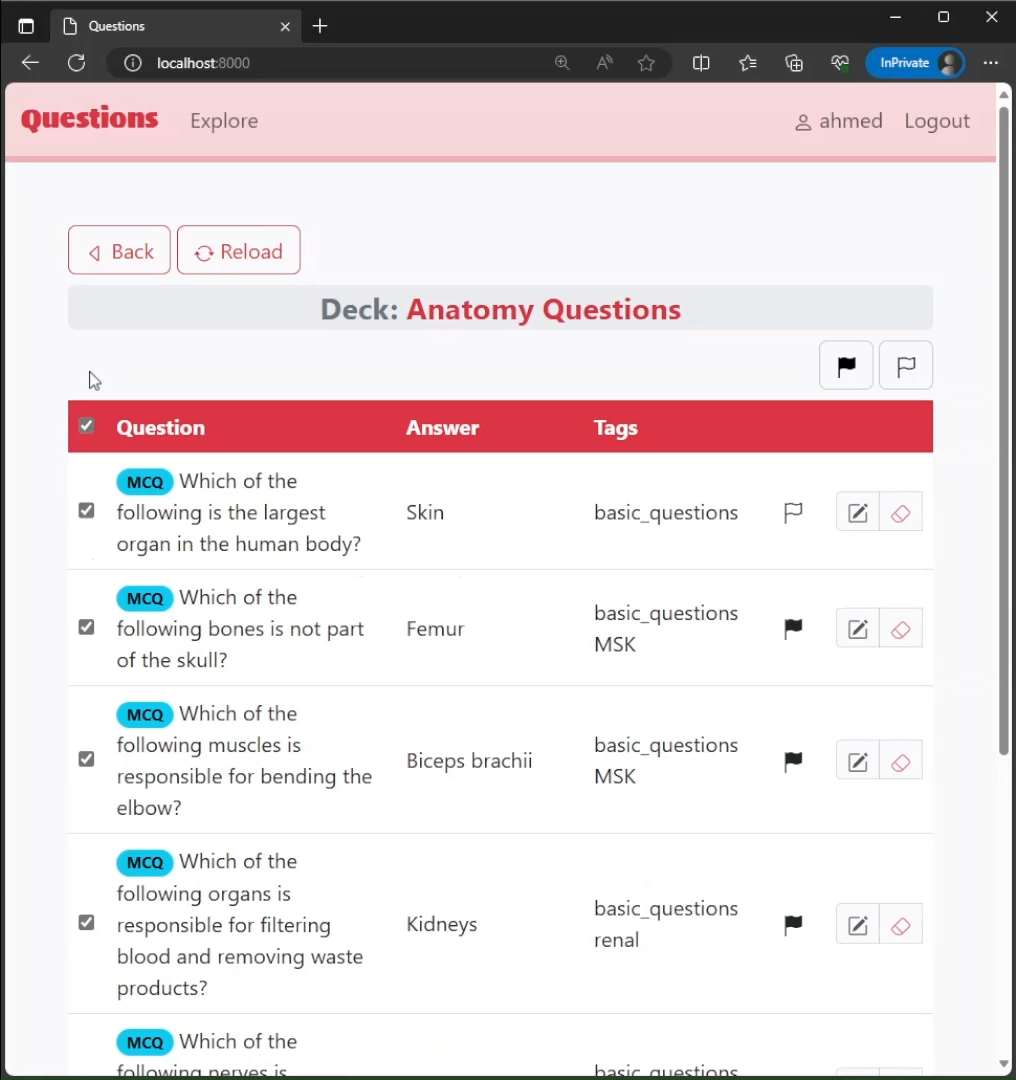
- Organize questions using decks, tags, and lists for flexible content management
- Share decks publicly or via private access links with automatic updates for subscribers
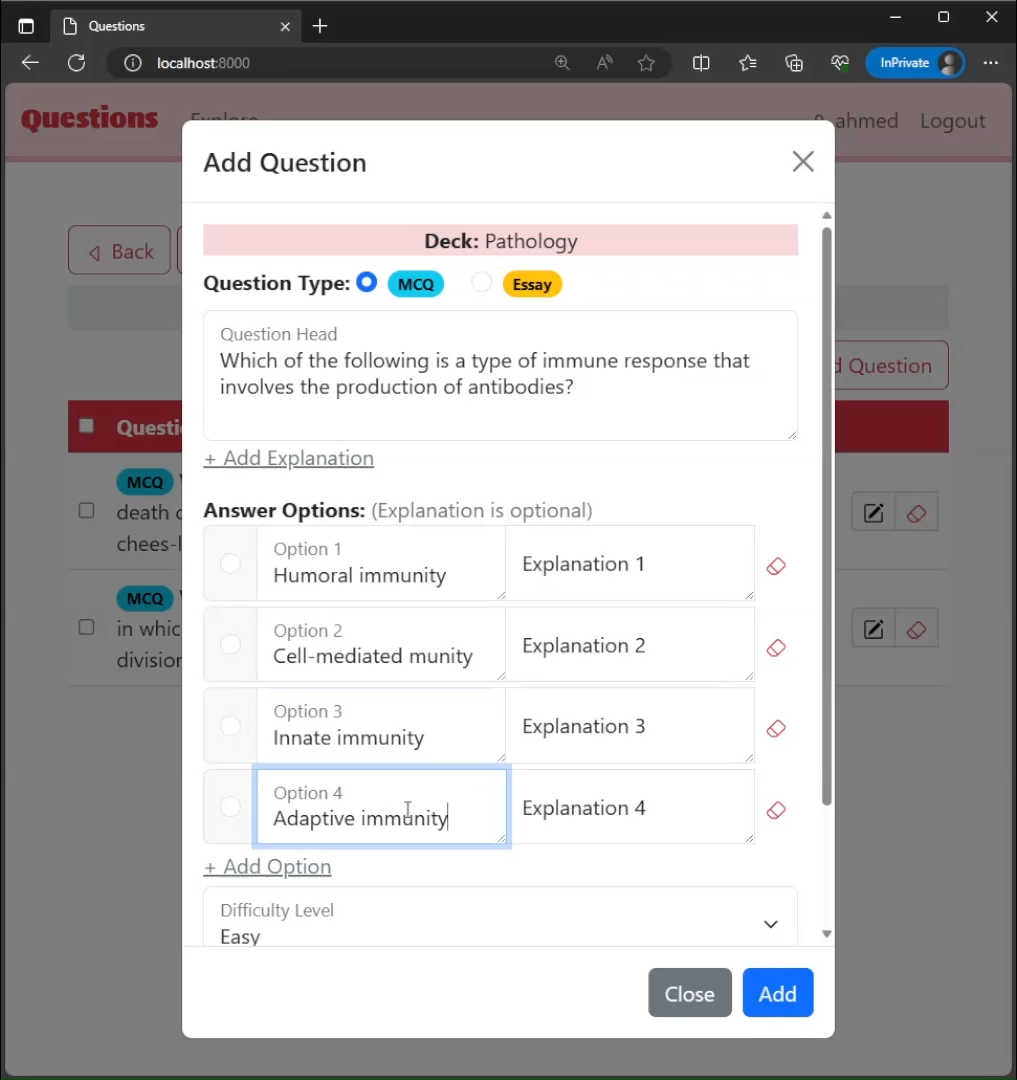
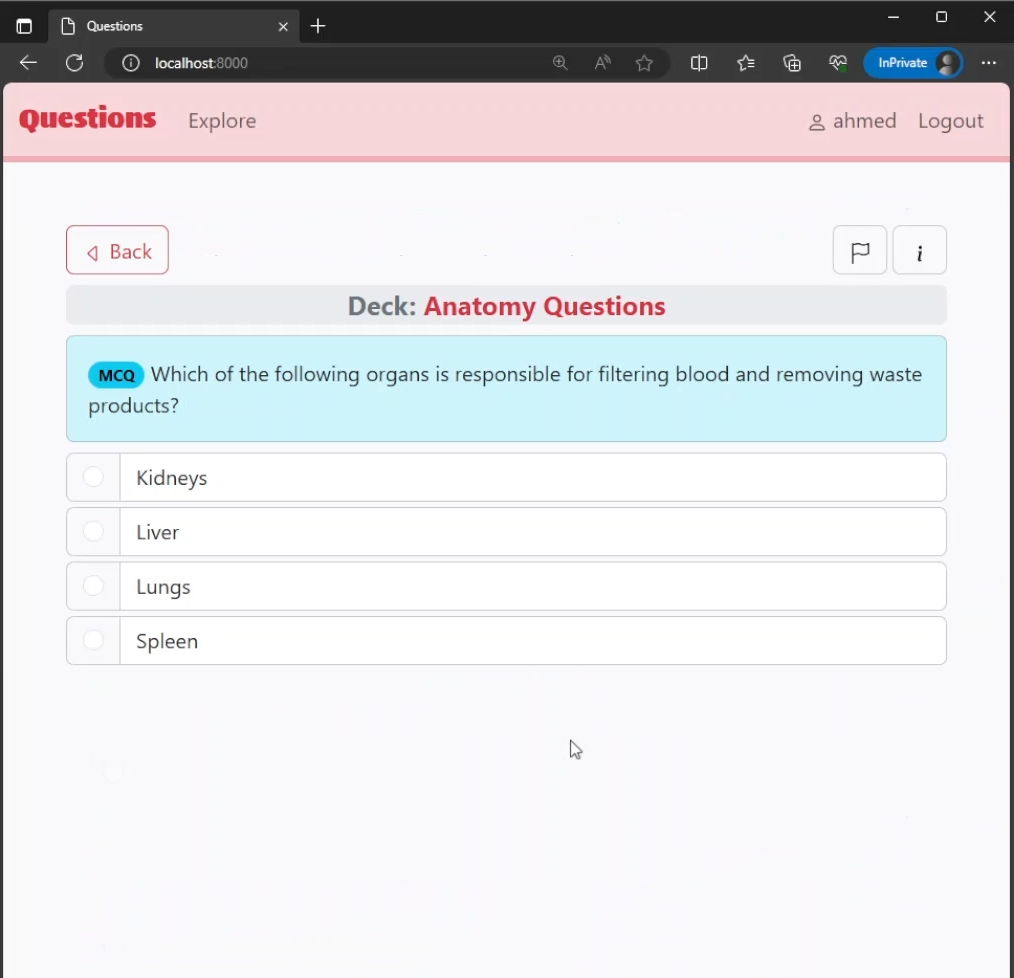
- Support for Multiple Choice Questions (MCQs) with flexible answer options and Essay Questions
- Advanced study features including multiple ordering methods, progress tracking, and difficulty indices
- Collaborative learning with crowd-sourced difficulty ratings based on user responses
Organization System
Questions are organized through three complementary systems:
- Decks: Basic containers for questions. Each question belongs to exactly one deck.
- Tags: Flexible labels that can be applied to multiple questions across different decks.
- Lists: Custom collections that can gather questions from different decks, bypassing deck boundaries.
Sharing Features
- Public Sharing: Decks can be made publicly discoverable through the explore window for all users to find and subscribe to.
- Private Access Links: Share decks with specific users through unique access links.
- Dynamic Updates: When the deck creator adds or removes questions, all subscribers automatically receive these changes in read-only mode.
- Access Control: If sharing methods are disabled, users subscribed through that method lose access while others retain theirs.
- Difficulty Index: Questions automatically calculate a difficulty index based on how users answer them, becoming more accurate as more people respond.
- Answer Statistics: After answering MCQs, users see the percentage of people who chose each option.
Question Types
Multiple Choice Questions (MCQs)
- Flexible number of answer options (2 or more without upper limit)
- Single correct answer per question
- Optional explanations for each answer option and for the question as a whole
- Smart validation prevents common errors during creation and editing
Essay Questions
- Open-ended question and answer format
- Optional explanations for additional context
Question Attributes
- Flags: Mark questions for specific purposes
- Difficulty Level: Author-assigned levels (easy, medium, hard) for organizing questions
- Difficulty Index: Automatically calculated based on actual user performance
Study Features
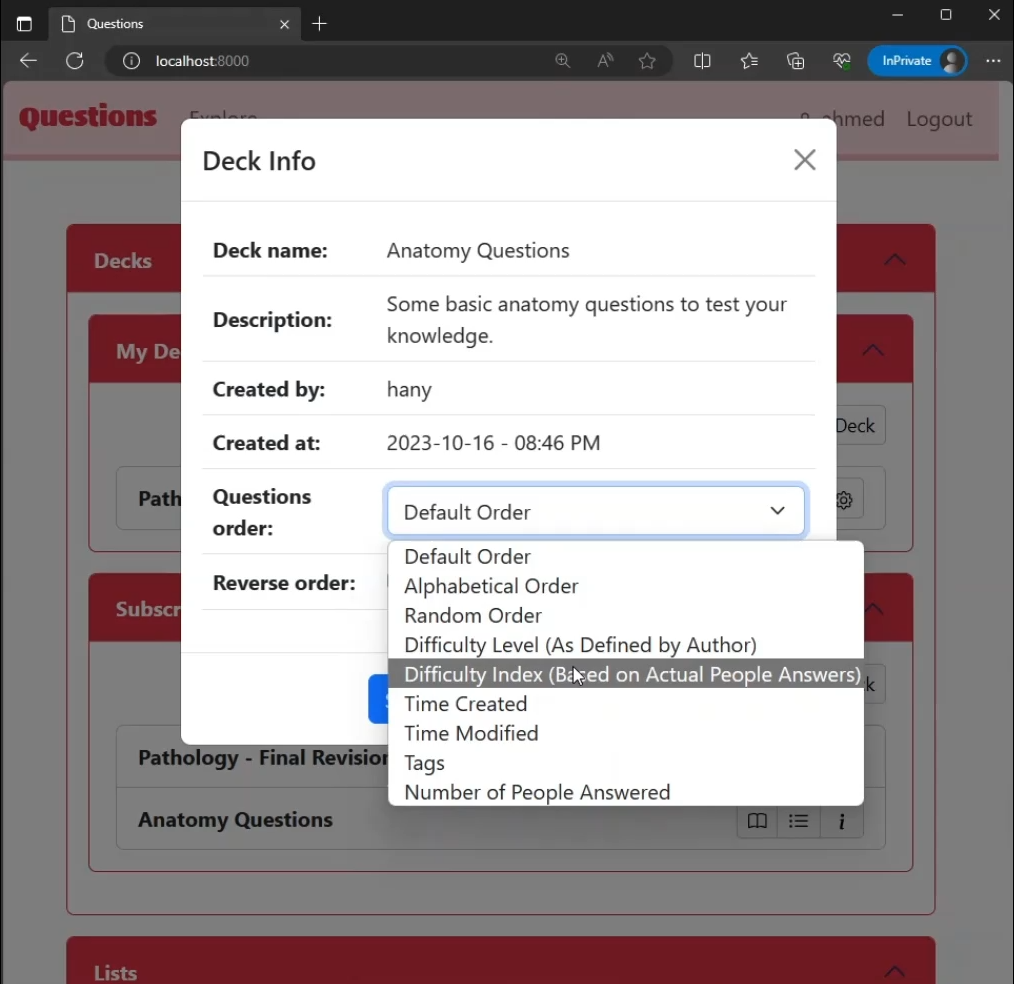
Multiple Ordering Methods:
- Default order (order of addition)
- Random order
- Alphabetical order (by question text)
- Difficulty level (author-assigned)
- Difficulty index (performance-based)
- Time created
- Time modified
- Tags
- Number of people answered (useful for improving difficulty index accuracy)
Additional Study Options:
- Reverse Order: Any ordering method can be reversed for descending order
- Progress Tracking: Resume studying from where you left off
- Reset Progress: Option to restart deck or list study from the beginning
Screenshots
Walkthrough Video
Technologies Used
I built Questions using the following technologies:
- Django (Python): Backend framework for web application development
- JavaScript: Interactive frontend features and dynamic content
- HTML, CSS, Bootstrap: User interface design with responsive layout
Development Background
I conceptualized, designed, and fully implemented this project from scratch as my graduation project for Harvard University’s CS50’s Web Programming with Python and JavaScript course. The development took over a month to complete, and it was one of the earliest projects I created using Django.
View my CS50 Web Programming certificate here.
Technical Complexity
Questions implements sophisticated logic to handle various user scenarios:
- Multi-User Progress: Multiple users can subscribe to a single deck while maintaining individual study progress and preferences.
- Author Control: Only the deck author can modify content, with changes delivered to subscribers in read-only mode.
- Flexible MCQ Structure: Dynamic handling of variable numbers of answer options with smart validation on both frontend and backend.
- Access Management: Subscription methods are tracked in the database, enabling granular access control when sharing settings change.
Project Links
View the live demo at questionsapp.azurewebsites.net